> ## Documentation Index
> Fetch the complete documentation index at: https://docs.winedirectfulfillment.com/llms.txt
> Use this file to discover all available pages before exploring further.
# Cancel a line item
> Learn how to cancel or remove individual line items from orders
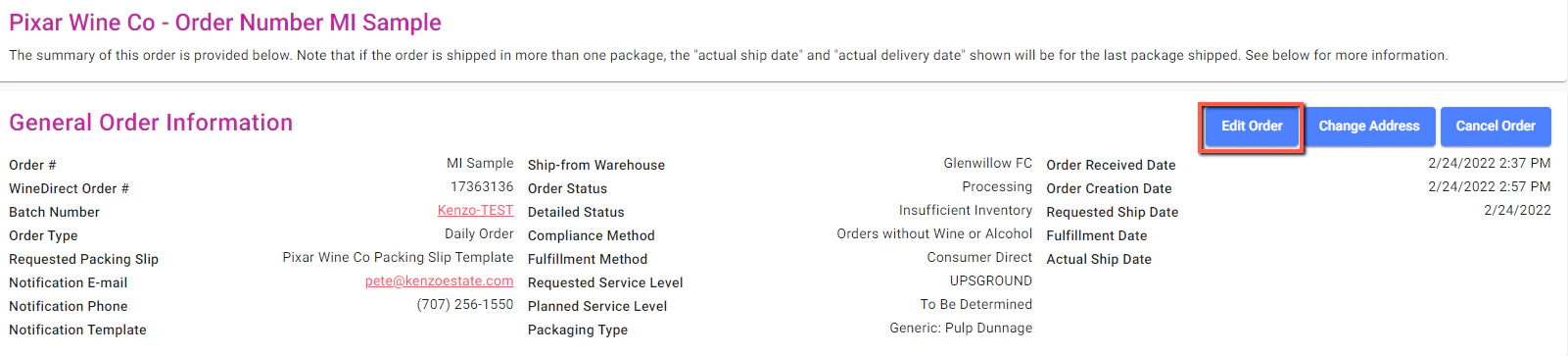
Click **Edit Order** on the upper right-hand of the order details screen
 Select the line item or SKU that needs to be modified and click the blue **Edit** button to the right of that line item:
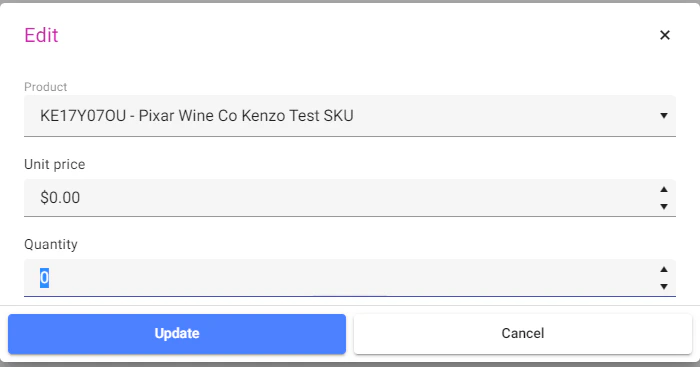
 To successfully remove a SKU that is currently listed on an order, the quantity needs to be updated to that of '0':