> ## Documentation Index
> Fetch the complete documentation index at: https://docs.winedirectfulfillment.com/llms.txt
> Use this file to discover all available pages before exploring further.
# Change a requested ship date
> Learn how to modify or add a requested ship date for orders
## How to Change a Requested Ship Date
Click on **Edit Order**
 Change a Requested Ship Date or add a new Requested Ship Date by clicking on the calendar.
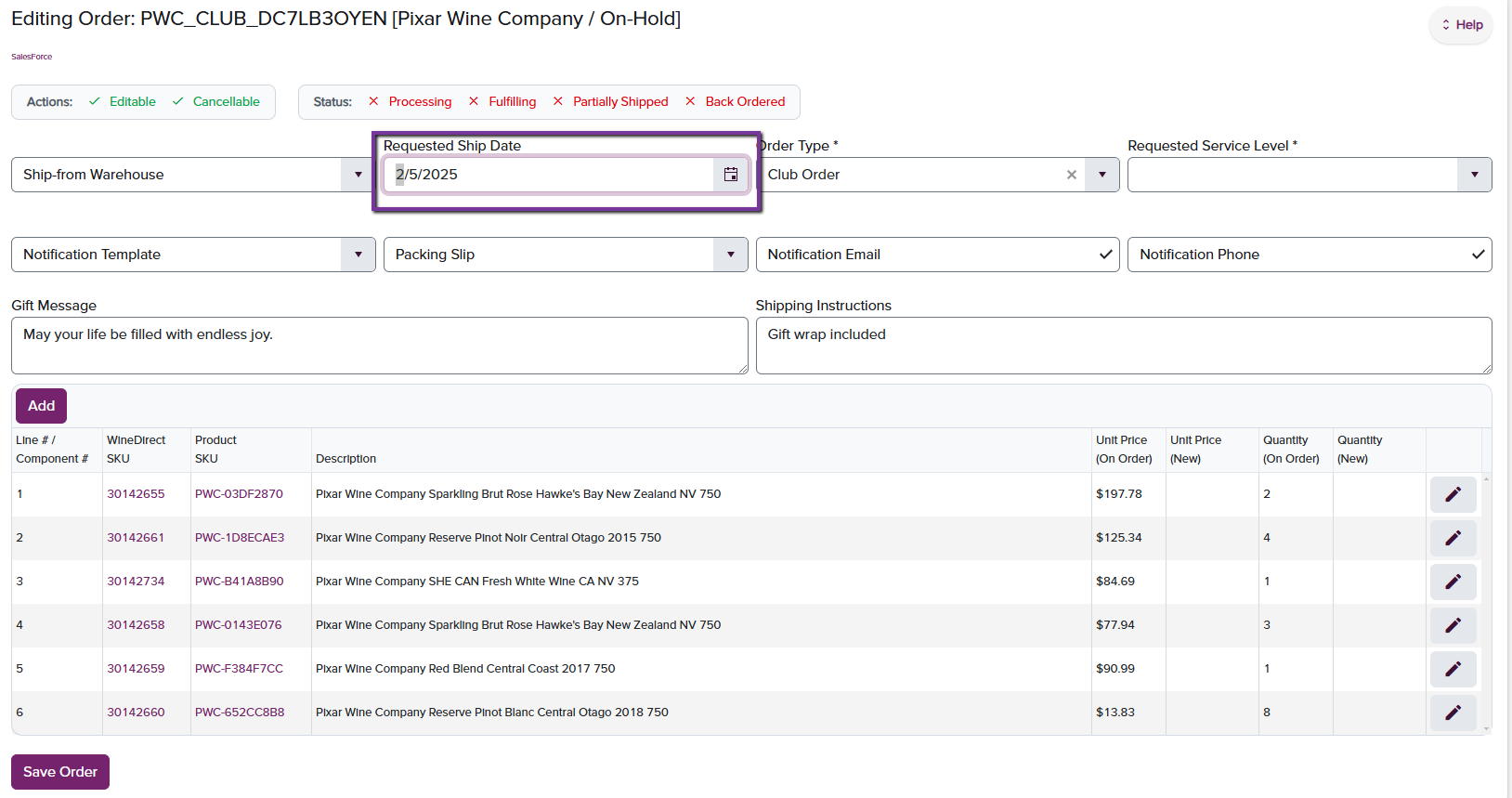 When finished with edit, click on **Save Order** to save.