> ## Documentation Index
> Fetch the complete documentation index at: https://docs.winedirectfulfillment.com/llms.txt
> Use this file to discover all available pages before exploring further.
# Change or add a price to a SKU
> Learn how to modify pricing for individual SKUs in orders
It is important to remember that changing the price of a SKU will only reflect on the order detail record within Fulfillment and the price modification will not retroactively flow into an eCommerce platform; refunding or charging the consumer.
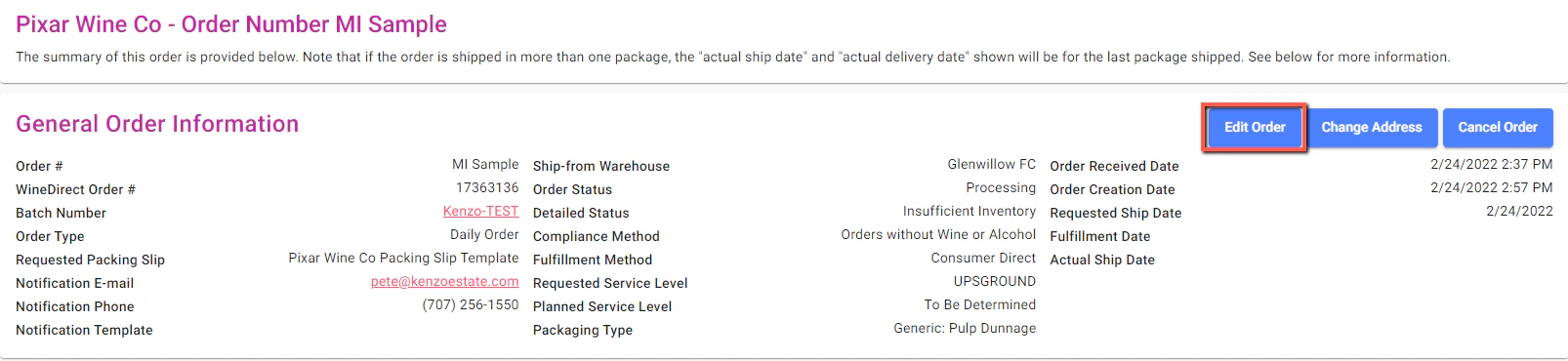
To edit the price of a SKU, select **Edit Order**:
 Click the blue **Edit** button next to the line item or SKU that needs to be revised in price:
 Select the Unit Price column and enter in the new price for the SKU:
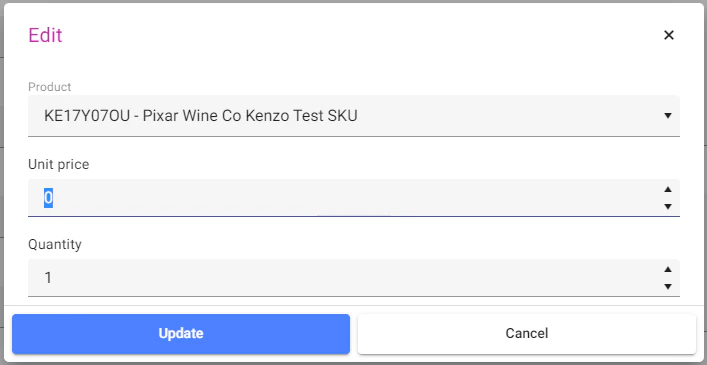 Click **Update** within the box and then **Save Order**.