> ## Documentation Index
> Fetch the complete documentation index at: https://docs.winedirectfulfillment.com/llms.txt
> Use this file to discover all available pages before exploring further.
# Changing a quantity of a product
> Learn how to modify product quantities in an existing order
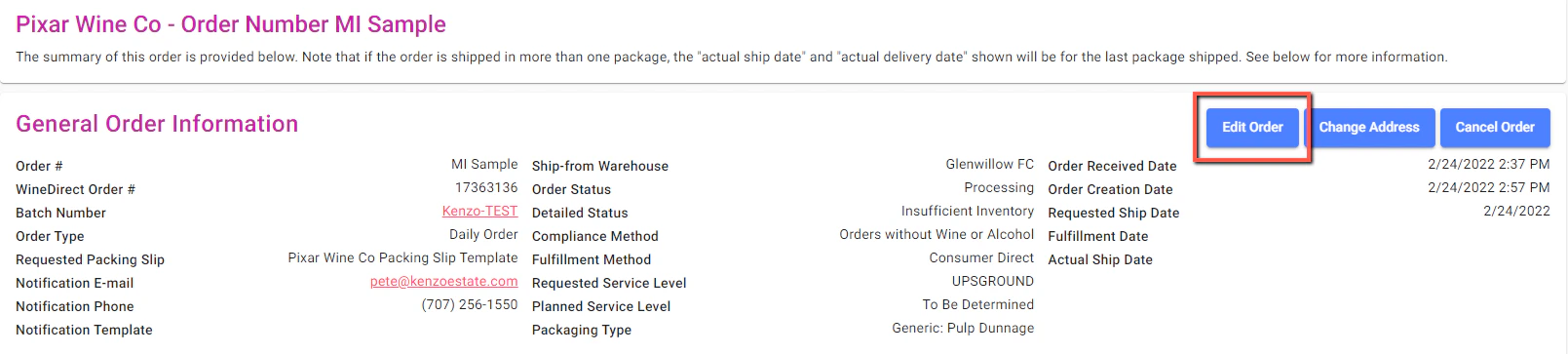
Click on **Edit Order**:
 Click on the **Edit** button to the right of the line where you want to change the quantity.
 Enter the new quantity and click on **Save Order**.