This article will cover the setup of compliance configuration for a client based on the information provided by the client.Documentation Index
Fetch the complete documentation index at: https://docs.winedirectfulfillment.com/llms.txt
Use this file to discover all available pages before exploring further.
State Availability
In the state availability menu option, you will be able to view your compliance configuration by state. You will need to select your account and the type of sale that you are compliant for: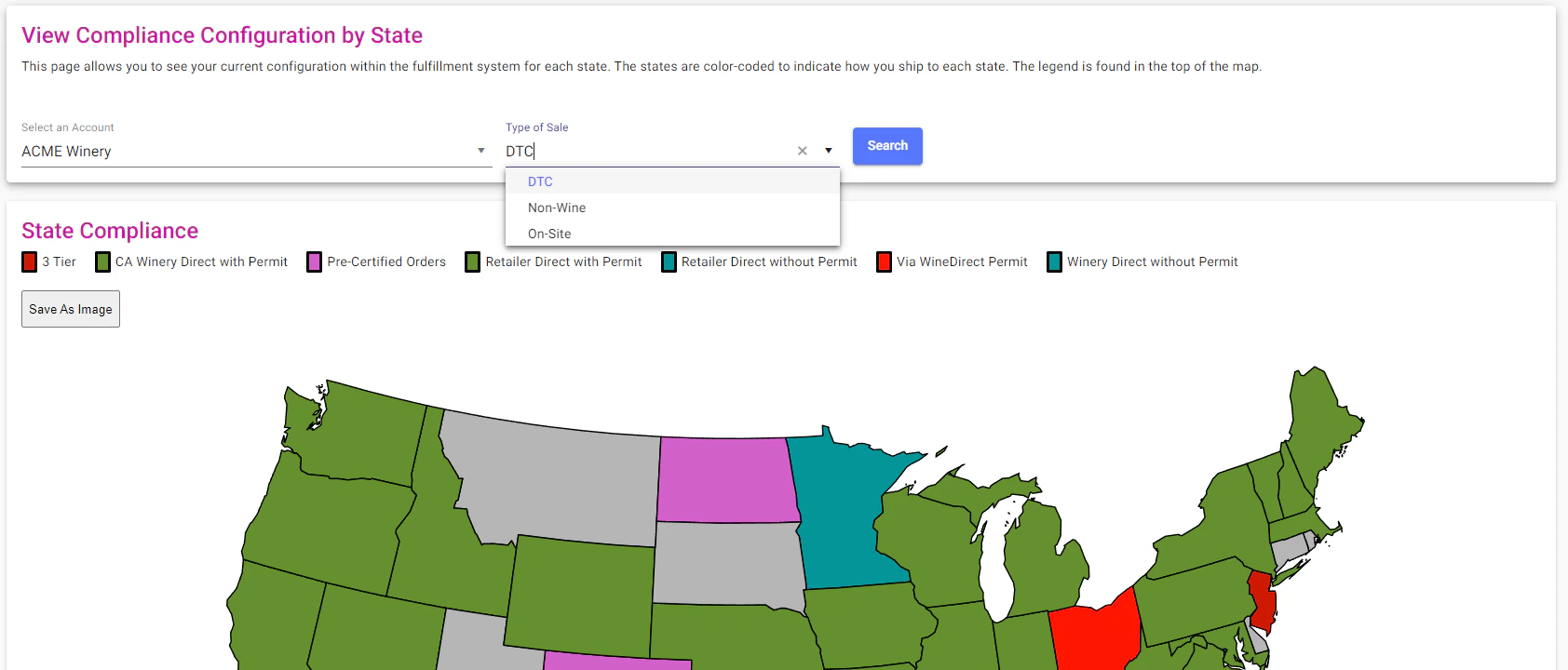
Product Availability
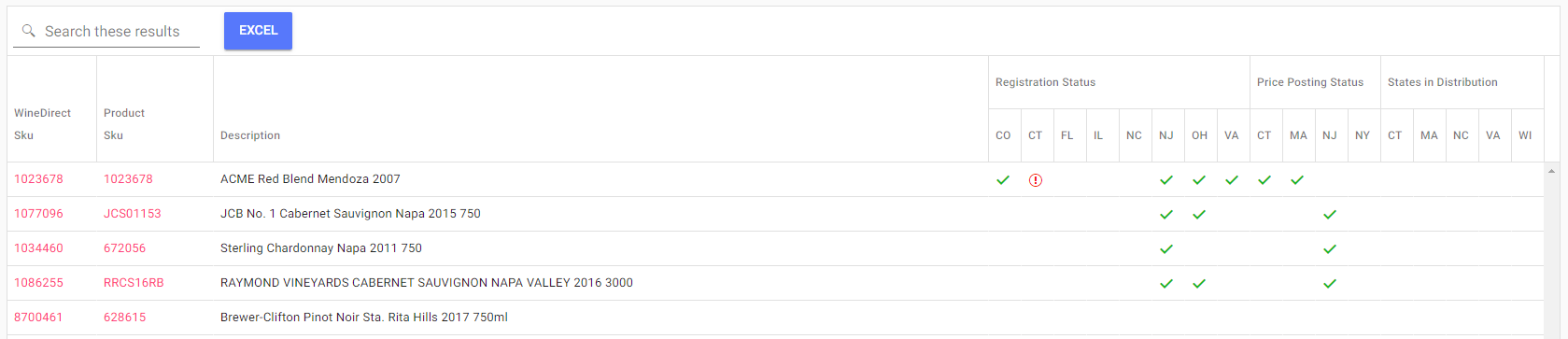
In the product availability sub-menu option, you will be able to view the setup of your product in the fulfillment system with respect to compliance. The only search field criteria is the name of your account:
Export for eCompliance
In the Export for eCompliance sub-menu option, you can generate an export of shipment information that is properly formatted for use with the eCompli compliance system. To get started, choose a customer of interest and a date range for which you would like to see shipment information. Click the “Search” button to perform the search. When viewing the report results, you can click the “Excel” button to generate an Excel CSV document with all the information needed by the eCompli systems.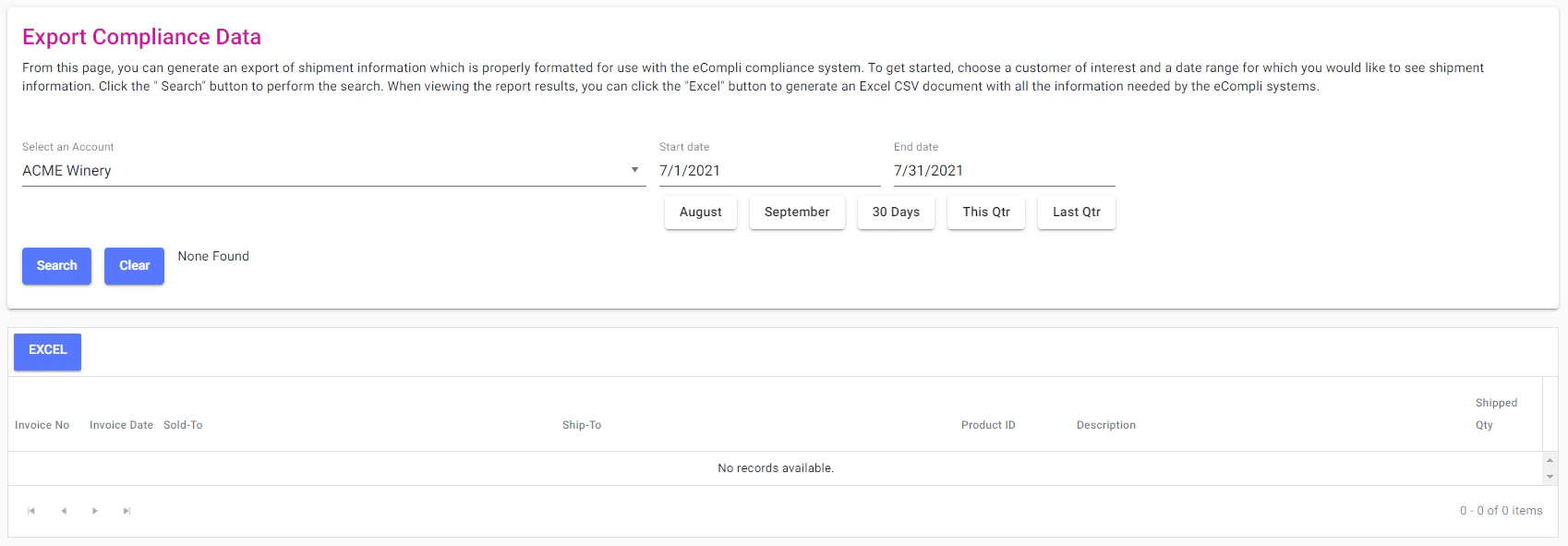
State Shipping Permits
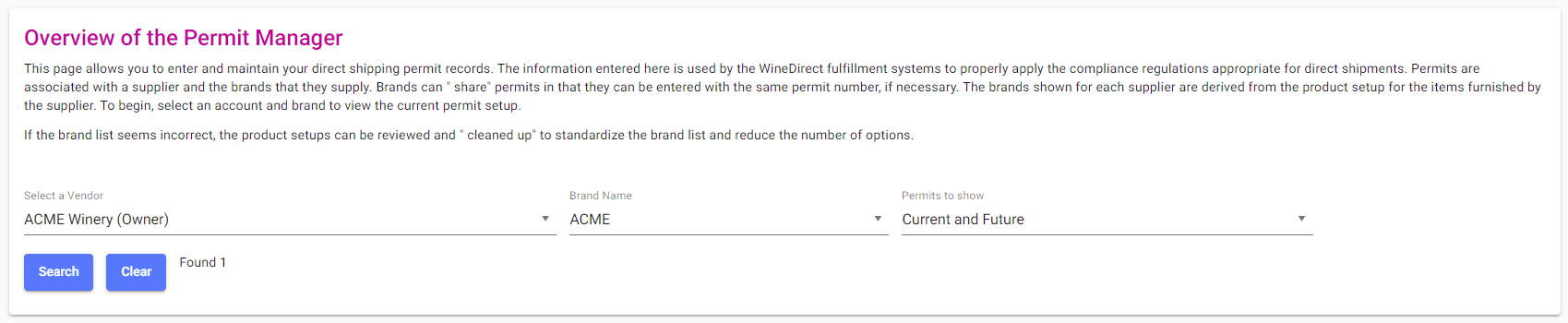
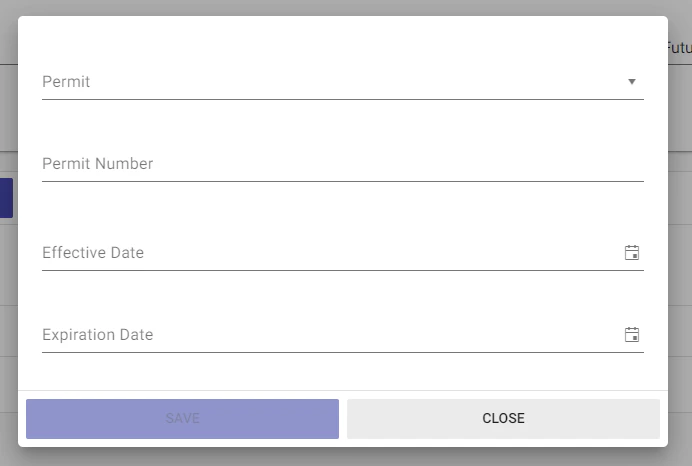
In the overview of the permit manager, you can enter and maintain your direct shipping permit records. The information entered in this field is used by the Wine Direct fulfillment system to properly apply the compliance regulations appropriate for direct shipments. You will first need to search by the vendor, brand name, and permit status: