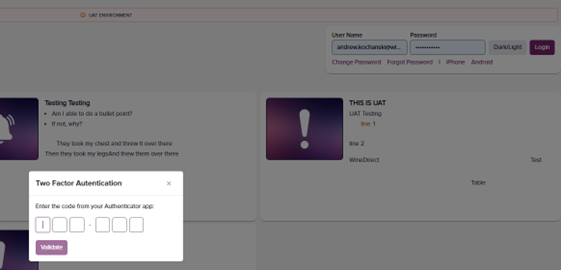
To Enable:
- Click the username in the upper right-hand corner of the portal screen
- Open the app and click the button titled “I have opened the app on my phone.”

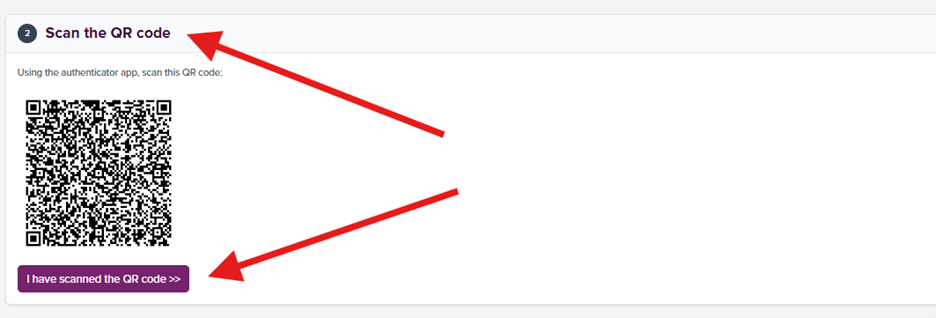
- Scan the QR code in the downloaded Authenticiator app:
- Enter the authentication code that is generated on your mobile device and hit “Verify”

- 2-Factor Authenticiation will be required every 7 days upon Portal login