Available for Pickup Notifications
Leverage the Available for Pickup email notification to give your recipients the most timely carrier information. The carrier scan that triggers this notification supports Hold-At-Location and Access Point deliveries for both UPS and FedEx. Follow the instructions below to set up and assign your template.Create Your Template
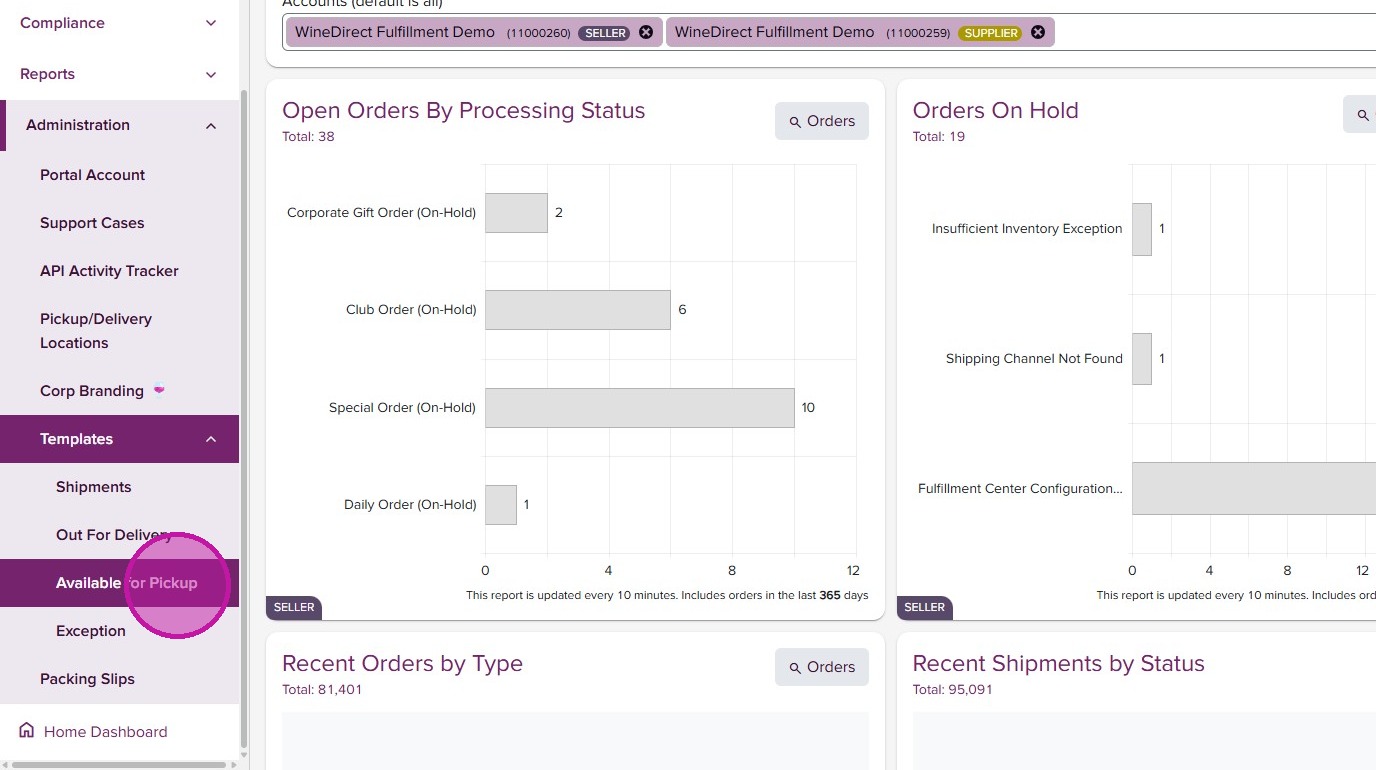
- From the portal, select “Available for Pickup” from navigation menu.

- Select your winery from “Select an Account” dropdown.
Template Initialization
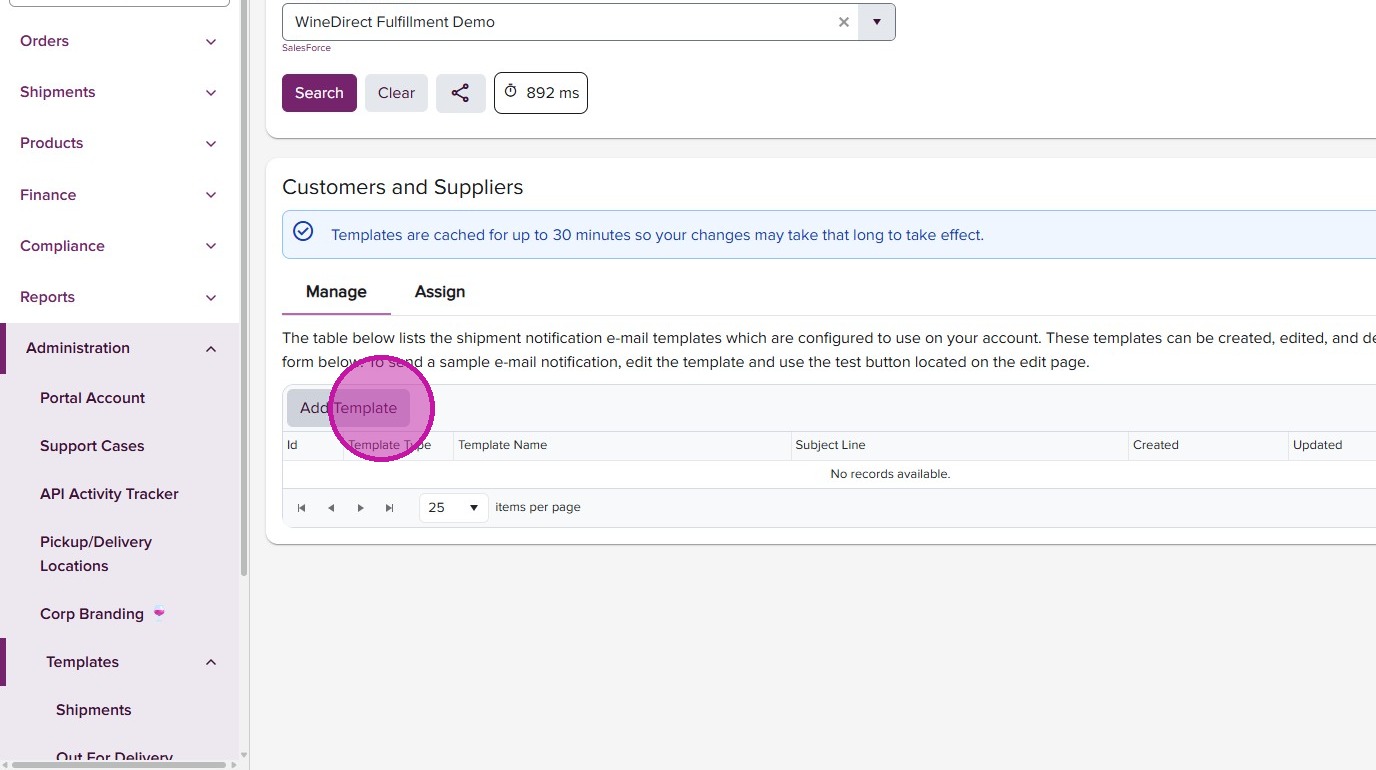
- Click “Add Template”.
- Select “Available-for-Pickup Notification Template” as starting template or create your own from scratch by selecting “Blank - Notification”.

- Set your template name and click “Create”.

Template Customization
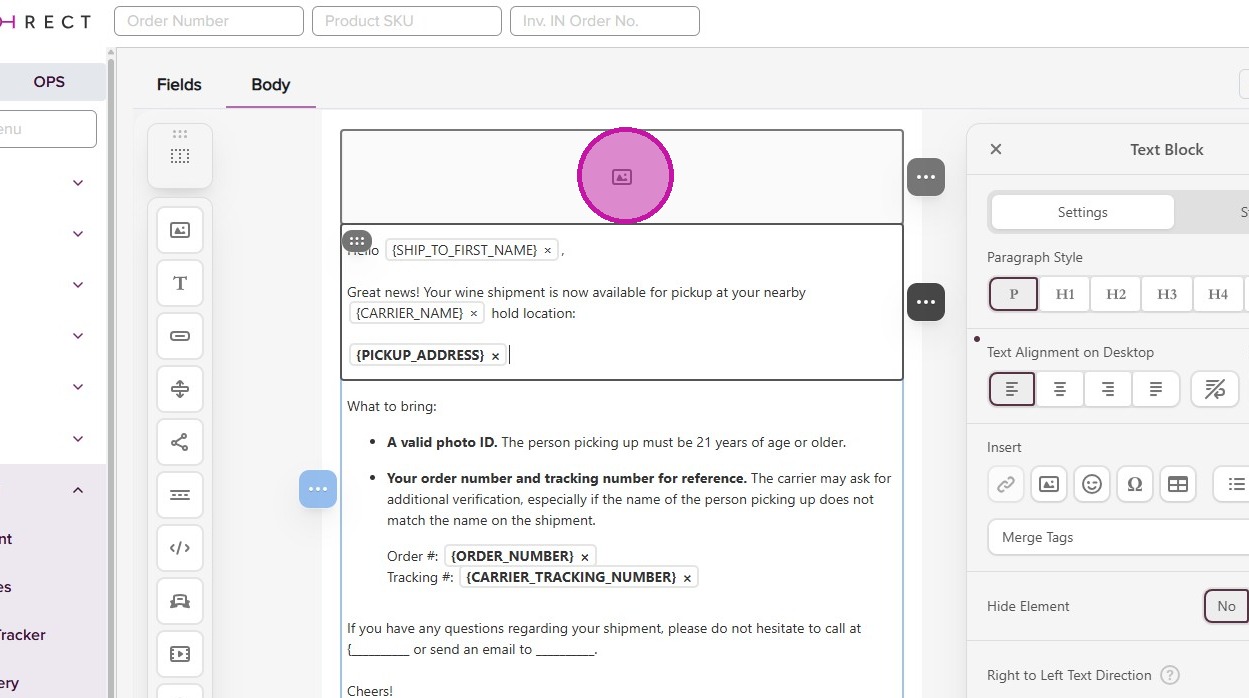
- Click text block to edit content.
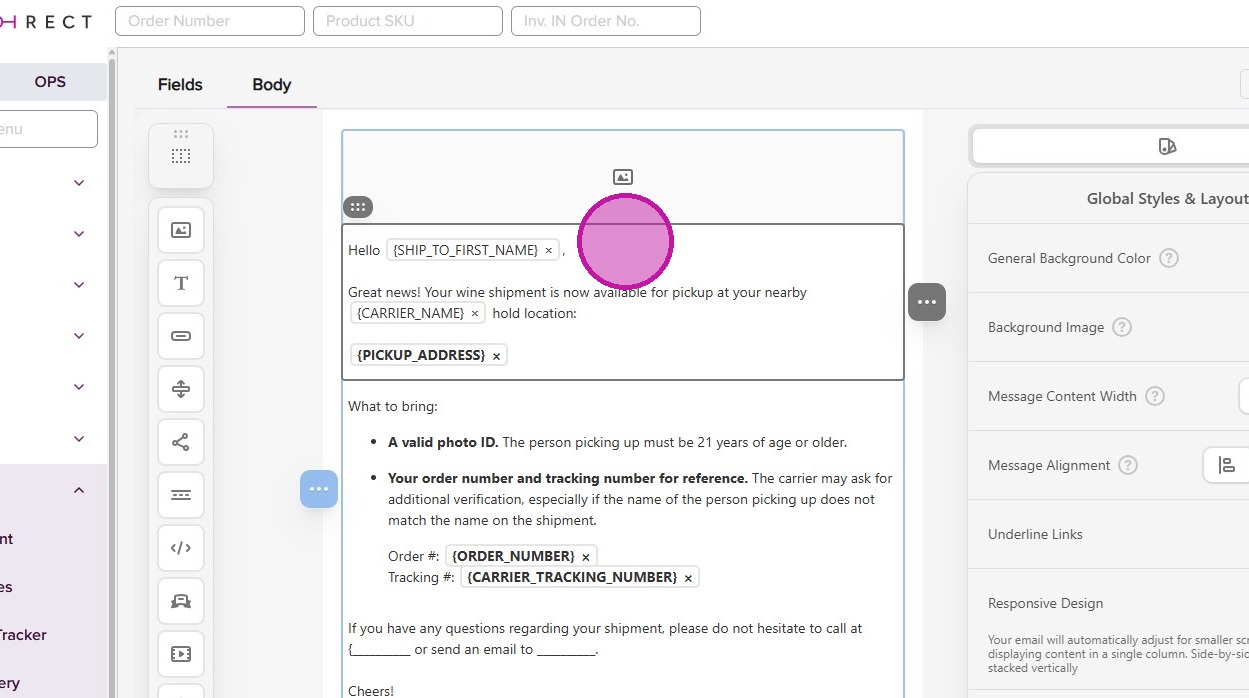
- Use the “Merge Tags” menu to add details specific to your client’s order and shipment. ‘PICKUP_ADDRESS’ is a key piece of information to include.
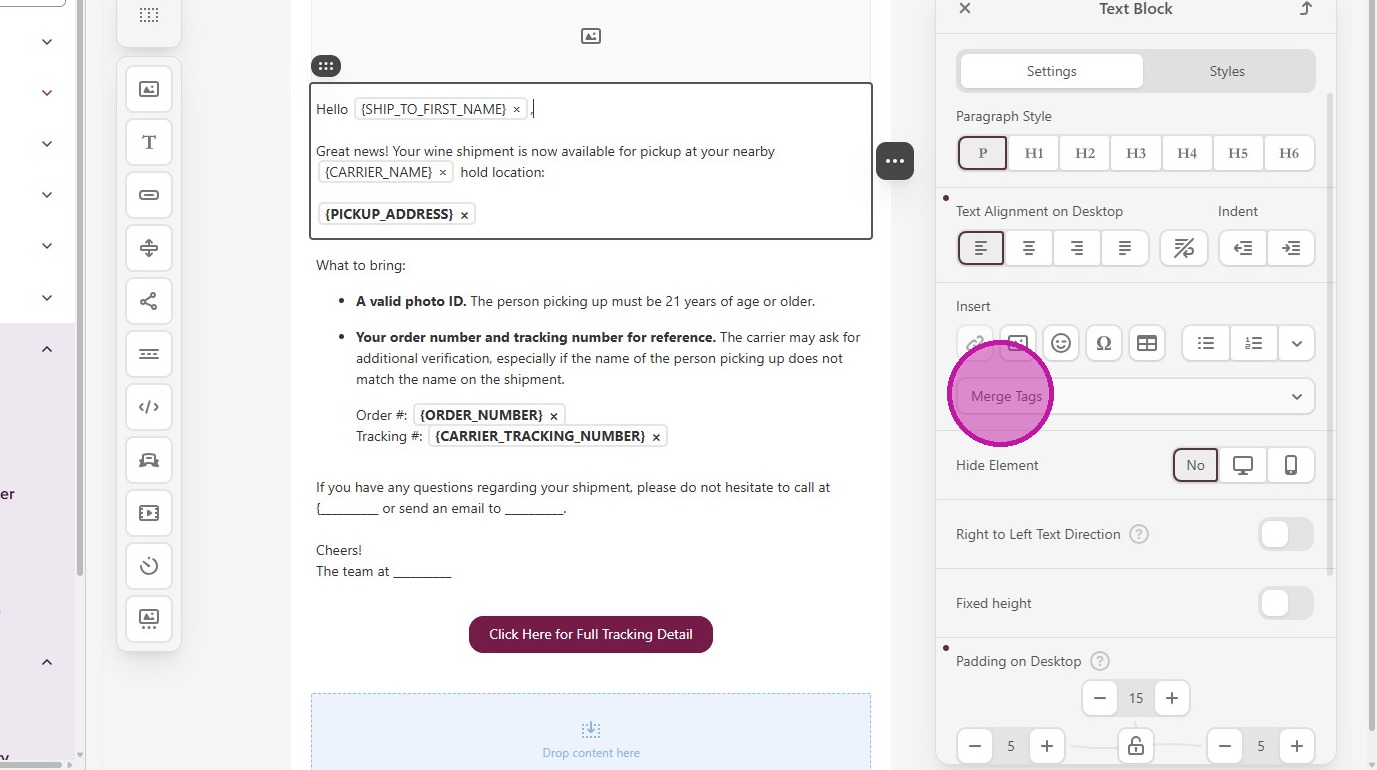
- Click inside text editor to further customize with your branding and winery voice.
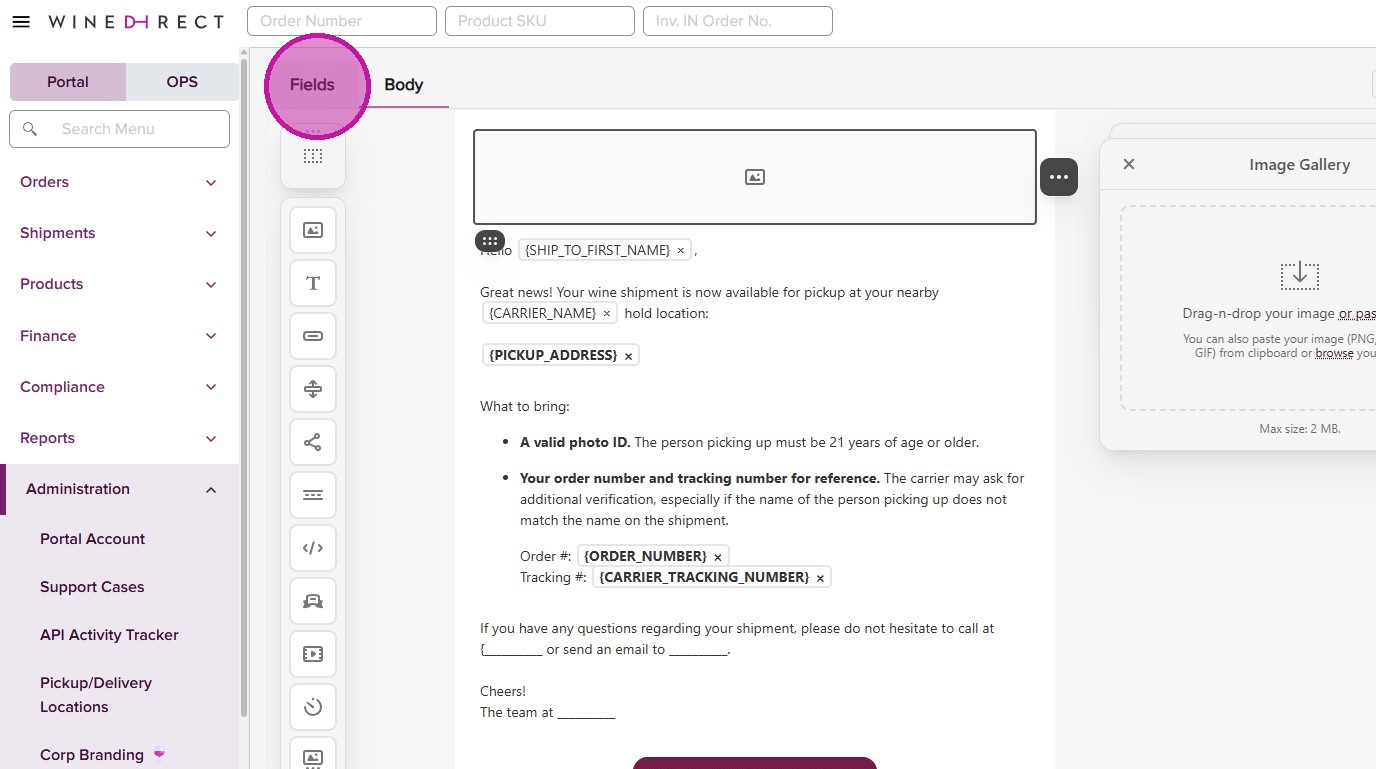
- Go to the “Fields” tab.
Email Fields Configuration

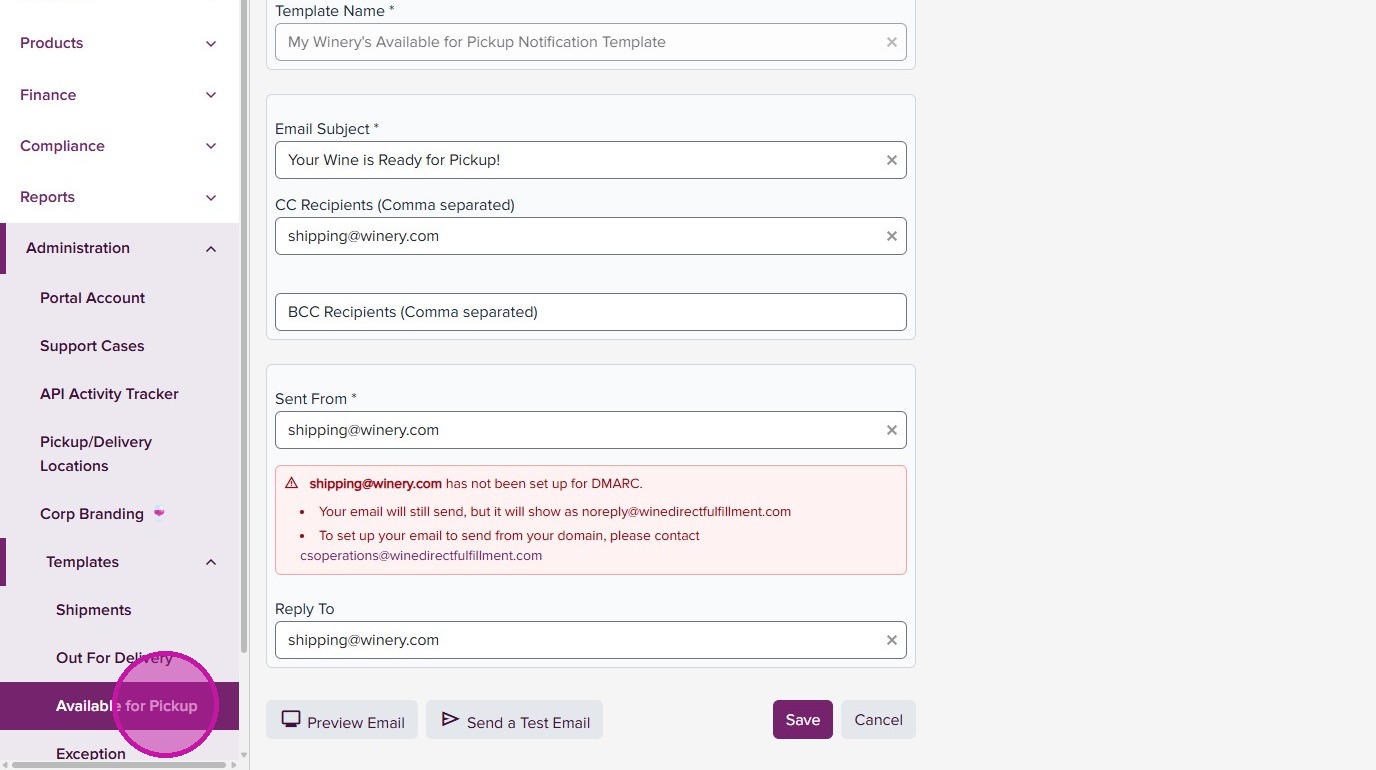
- Update “Email Subject”.
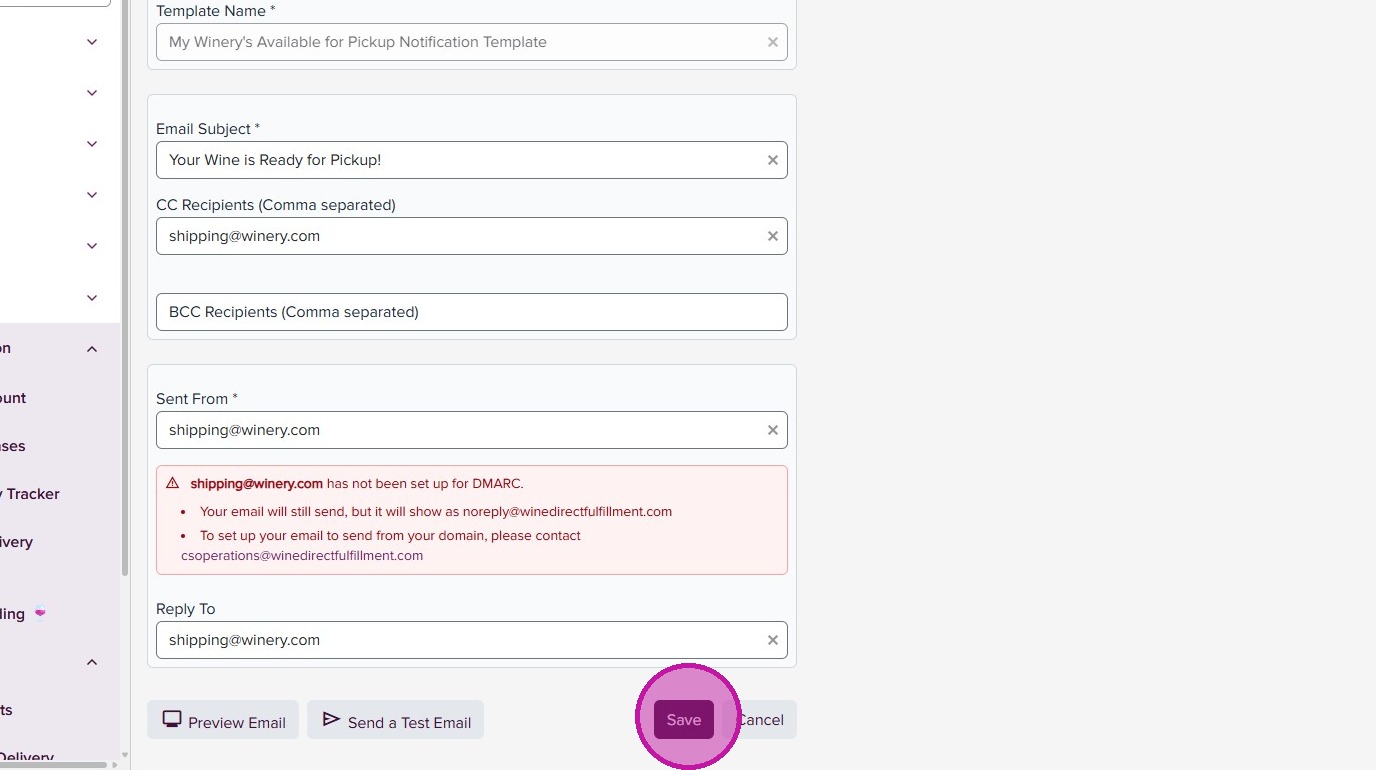
- Adjust the CC, BCC and Sent From fields as appropriate.

- Click “Save” to update template.
- Go back to the main page by clicking “Available for Pickup” in side menu.
Template Assignment

- Click “Assign” tab.
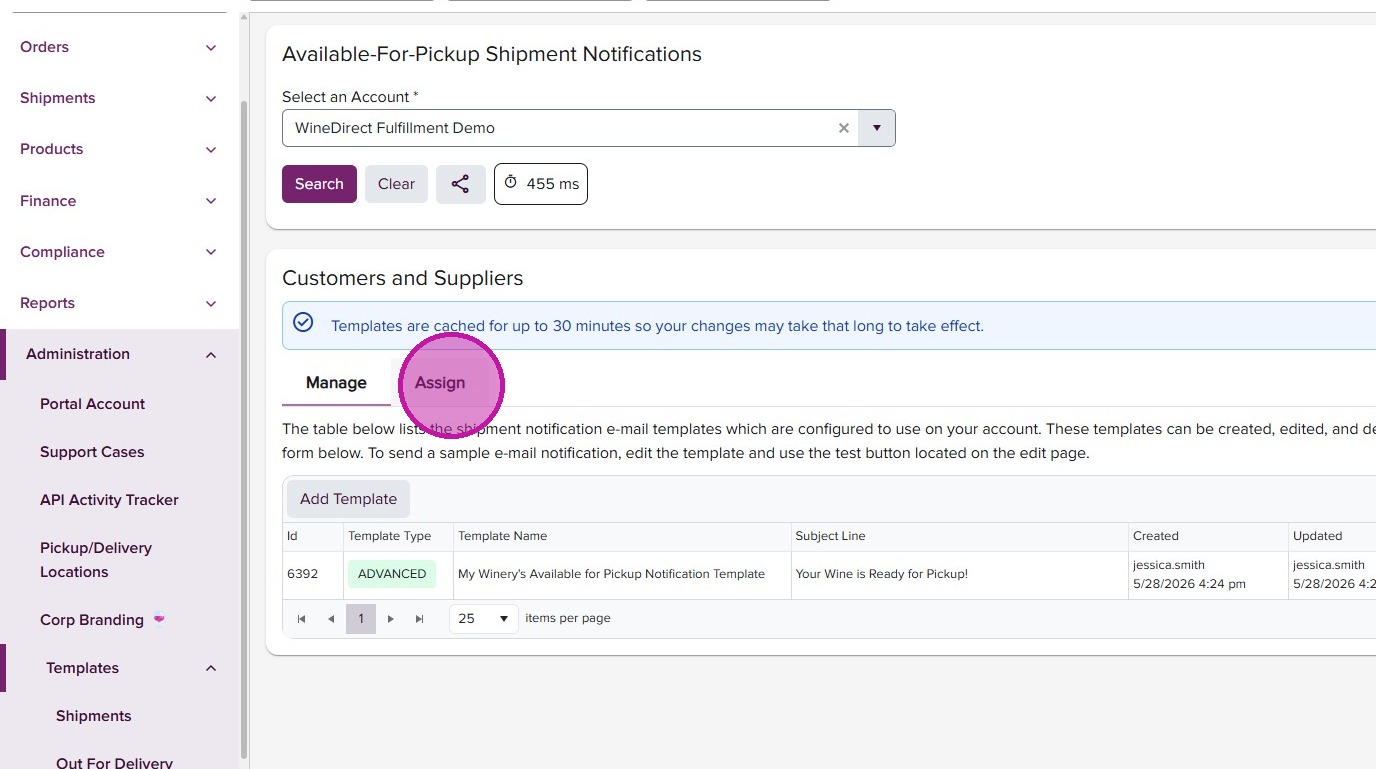
- Assign new template by order type..